

Google Business Profile
Are you wondering why your local competitors show up in the Google Maps "3-pack" and your business doesn't? The answer is almost always a well-optimized Google Business Profile. This guide provides a complete, step-by-step walkthrough for a perfect google business profile setup and optimization plan for 2026, turning your listing into your most powerful customer acquisition tool.
Quick answer
A complete Google Business Profile can improve map visibility, trust, phone calls, direction requests, and local conversion quality.
Complete fields
This is one of the core pieces that makes GBP optimization work as a practical business strategy.
Fresh photos
This is one of the core pieces that makes GBP optimization work as a practical business strategy.
Why GBP is the Highest-Leverage Local SEO Asset in 2026
For any business serving a specific geographic area, a Google Business Profile (GBP) is no longer optional—it’s the single most critical piece of your digital footprint. Previously known as “Google My Business” (the name changed in late 2021), your GBP is a dynamic, free-to-use mini-website that lives directly on Google’s search results and maps. When optimized correctly, it delivers unparalleled return on effort for local marketing.
Think about how you search for local services. You type “plumber near me” or “best coffee shop in Orlando” and Google presents the “map pack”—a block of three featured businesses with their location, reviews, and hours. Getting into this highly-visible block can transform your business, and it’s driven almost entirely by the quality of your GBP listing. But it’s more than just map visibility. Your profile is often the very first interaction a potential customer has with your brand. It allows them to:
- Find You Instantly: Your address, map pin, and service area are displayed prominently.
- See Social Proof: Star ratings and customer reviews build immediate trust and credibility.
- Contact You Directly: Customers can call, message, or visit your website with a single click, right from the search results page.
Ignoring your GBP is like having a storefront with no sign on the door. It’s the highest-leverage asset for local search engine optimization because it’s what Google’s algorithm prioritizes for users with local intent. A complete, active, and well-reviewed profile signals to Google that you are a legitimate, trustworthy, and relevant answer to a searcher’s needs.
How to Claim and Verify Your GBP Listing in 2026
The first step in a successful google business profile setup is claiming and verifying ownership of your listing. Google needs to confirm that you are the legitimate owner of the business at the specified address. In 2026, the verification process has evolved significantly.
Here’s how to do it:
- Search for Your Business: Go to Google Maps and search for your exact business name and address.
- Initiate the Claim: If a listing already exists, click the “Own this business?” or “Claim this business” link. If it doesn’t, you’ll be prompted to “Add your business to Google.”
- Complete the Verification Process: This is the most crucial step. Google wants proof you operate where you say you do. While the famous postcard-in-the-mail method still exists for some business types, it’s increasingly rare. The most common methods in 2026 are:
- Video Verification: This is now the most frequent method. Google will ask you to record a continuous video that shows your location (signage, address), your business equipment (e.g., tools of the trade, POS system), and proof of management (e.g., unlocking the door with a key, accessing an employee-only area).
- Phone or Email Verification: Some businesses may be eligible for instant verification via a code sent to the business’s registered phone number or email address.
- Postcard Verification: If prompted, Google will mail a postcard with a verification code to your business address. This can take 5-10 business days. Once you receive it, you log back in and enter the code.
The verification process can sometimes be frustrating, but it’s a necessary hurdle to prevent spam and fake listings. For a more detailed guide on navigating the current verification landscape, see our post on how to verify your Google Business Profile listing.
Critical Profile Fields to Fill Out Completely
Once verified, the real work begins. An empty or partially-filled profile will not rank. Your goal is 100% completion. Think of every field as another signal to Google about what you do and where you do it.
- Business Name, Address, Phone (NAP): Ensure this is 100% consistent with your website and other online directories. Any variation can confuse Google and hurt your ranking.
- Categories: This is arguably the most important ranking factor.
- Primary Category: Choose the ONE category that best describes your core business. This has the most weight. Be specific (e.g., “Family Law Attorney” is better than “Lawyer”).
- Secondary Categories: Add all other relevant categories that describe your services. You can add up to nine. Use them all if they apply.
- Service Area: If you’re a Service Area Business (SAB) like a plumber or electrician, define the specific cities, counties, or zip codes you serve. Don’t overreach; keep it realistic.
- Hours: List your regular hours, and be diligent about updating them for holidays or special events. Google prioritizes accuracy.
- Services: Don’t just list services; build them out. For each service you add, write a brief (150-300 word) description that includes relevant keywords. This is a powerful way to tell Google exactly what you offer. If you need help with this, our Google Business Profile management service can handle it for you.
- Products: If you sell specific products (even if they are services packaged as products), add them to the Products tab. Include high-quality photos, pricing, and detailed descriptions.
- Attributes: These are tags that quickly tell customers more about your business. Examples include “Veteran-led,” “Women-led,” “Online appointments,” or “Wheelchair accessible entrance.” Browse the full list and select every single one that applies to you.
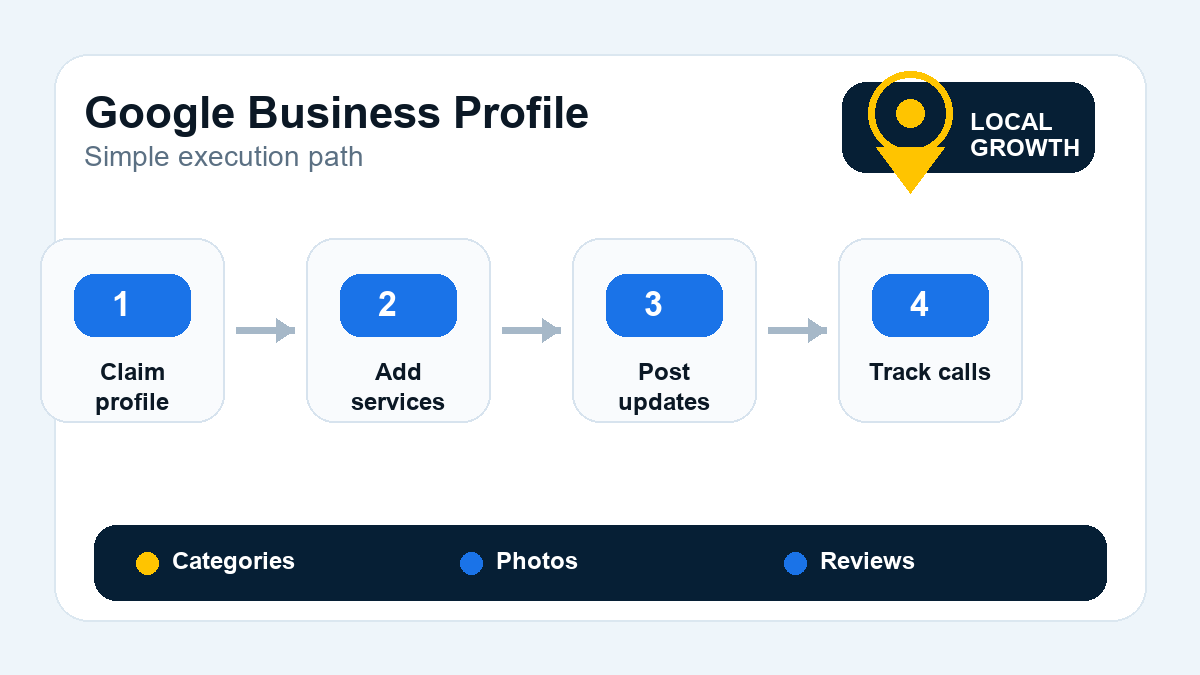
Photos + Video: What to Upload and How Often
A picture is worth a thousand words, and on GBP, it’s worth a thousand clicks. Listings with a robust photo and video library get significantly more engagement. It shows your business is active and gives customers a real look inside.
What to Upload:
- Logo & Cover Photo: Ensure these are high-resolution and represent your brand professionally. Ideal size for a cover photo is around 1080 x 608 pixels.
- Exterior Photos: Show your storefront from different angles, including signage and the parking area, to help customers find you.
- Interior Photos: Showcase your workspace, waiting area, and the general ambiance. Make it look clean and inviting.
- Team Photos: Headshots and group photos of your staff humanize your business and build trust.
- Photos of Your Work: Before-and-after shots, photos of your team on the job, and finished projects are incredibly effective.
- Video: Upload short videos (30-60 seconds) showcasing a walkthrough of your location, a client testimonial, or a quick demonstration of a service. Video is highly engaging and underutilized by most businesses.
Cadence: Aim to add at least one new photo per week. This activity sends a positive signal to Google that your business is active and relevant.
Posts: Types, Cadence, and What Actually Drives Engagement
GBP Posts are like free mini-ads that appear directly on your profile. They are a fantastic way to communicate offers, events, and updates. While they only stay “live” in the main panel for seven days, older posts are still visible when a user clicks into the Posts section.
- Types of Posts:
- Offers: Promote sales, discounts, or special packages. You can set a start and end date and even include coupon codes.
- What’s New (Updates): Share general news, blog posts, or highlight a specific service. This is the most versatile post type.
- Events: Promote upcoming webinars, workshops, or in-store events.
- Cadence: For optimal results, we recommend publishing at least one new post per week. Consistency is key.
- Driving Engagement: A post is only effective if it grabs attention. Always include a high-quality image or short video. Write a concise, compelling headline and description. Most importantly, always include a Call to Action (CTA) button like “Learn More,” “Call Now,” or “Book.” Link “Learn More” posts to relevant pages on your website.
Reviews: How to Ask, How to Respond, How to Handle Negative Reviews
Reviews are the lifeblood of local SEO. They are a top-three ranking factor and the primary way customers decide between you and a competitor. Many of our clients see dramatic improvements in leads just by improving their review strategy, as shown in our digital marketing case studies.
How to Ask for Reviews:
- The best time to ask is immediately after a successful job or positive interaction.
- Make it easy. Use a tool to generate a direct link to your GBP review form and send it via email or text.
- Never incentivize reviews with discounts or gifts—this is against Google’s policy. Simply ask honestly for feedback on their experience.
How to Respond to Reviews:
- Respond to all reviews, both positive and negative.
- For positive reviews, thank the customer by name and mention the service they used. This reinforces your services and shows you’re engaged.
- For negative reviews, remain professional and empathetic. Never get into an argument. Acknowledge their issue, apologize for their poor experience, and offer to take the conversation offline to resolve it. A thoughtful response to a bad review can often win over more customers than a dozen 5-star reviews.
Q&A Section (Most Businesses Ignore It—That’s a Mistake)
The Questions & Answers section on your GBP is a publicly-sourced FAQ. Anyone can ask a question, and anyone can answer it. Most businesses ignore this, which is a huge missed opportunity. If you don’t answer the questions about your own business, a random stranger (or worse, a competitor) might.
Proactively populate this section yourself. Brainstorm 10-15 common questions your customers ask and post them to your profile. Then, log in as the owner and answer them definitively. This allows you to control the narrative, address common concerns upfront, and strategically include important keywords.
Tracking GBP Performance: Insights, UTMs, and Call Tracking
You can’t improve what you don’t measure. A proper google business profile setup includes a plan for tracking results.
- GBP Insights: The “Performance” tab in your GBP dashboard provides a wealth of data. It shows how many people found you via search vs. maps, the search queries they used, and actions they took (website clicks, calls, direction requests). Review this monthly to understand your audience.
- UTM-Tagged Website Clicks: To see what happens *after* someone clicks your website link, use Google’s URL Campaign Builder to add UTM tracking parameters. This allows you to see in Google Analytics how much traffic, and how many leads or sales, are coming directly from your profile.
- Call Tracking: While GBP tracks the number of clicks on your call button, it doesn’t tell you how many of those calls were qualified leads. Using a dedicated call tracking number can give you full visibility into call volume, duration, and even recordings for quality control.
Frequently Asked Questions
How long does Google Business Profile verification take?
It varies. Email or phone verification can be instant. Video verification is typically reviewed within 24-48 hours. The traditional postcard method is the slowest, usually taking 5 to 10 business days for the card to arrive by mail.
Can I have a GBP listing for multiple locations?
Yes, absolutely. If you have multiple distinct physical locations with their own addresses and staff (not just P.O. boxes), each one is eligible for its own verified GBP listing. They can all be managed from a single dashboard.
What if my Google Business Profile listing was suspended?
A suspension usually happens due to a violation of Google’s guidelines, such as keyword stuffing the business name, using a P.O. box as an address, or suspicious review activity. You must first identify and correct the violation, then submit a reinstatement request form through Google’s help center. Do not create a new listing.
How often should I post on my GBP?
We recommend a minimum of one post per week to maintain an “active” signal for Google’s algorithm and keep customers informed. During busy seasons or promotions, increasing the frequency to 2-3 times per week can be beneficial.
Do customer reviews really affect my ranking?
Yes, significantly. The quantity, quality (average star rating), and velocity (frequency) of your reviews are major local SEO ranking factors. A steady stream of positive reviews signals to Google that your business is a trusted and popular choice in your area.
A complete and active Google Business Profile is your single most powerful tool for attracting local customers in 2026. While the initial google business profile setup takes time, the payoff in visibility, calls, and foot traffic is unmatched. If you’d rather have a team of experts handle your profile optimization and ongoing management, give us a call at 407-307-1995 or contact us online for a free consultation.
Action checklist
Need your Google Business Profile cleaned up?
We can audit your listing, categories, reviews, posts, photos, and tracking setup.