

Google Business Profile
As of 2026, the first step in managing your local online presence is verifying your Google Business Profile (formerly Google My Business) to ensure all your information is accurate. The most common methods include online verification through your account, receiving a postcard with a verification code, or phone and text message verification. Google has also expanded video verification, where you may be asked to record a short video showing your location, equipment, and proof of business. If you…
Quick answer
Verification is the first trust step for Google Business Profile, and accuracy matters before you start posting, asking for reviews, or tracking calls.
Choose method
This is one of the core pieces that makes GBP verification work as a practical business strategy.
Match business info
This is one of the core pieces that makes GBP verification work as a practical business strategy.
Before You Verify
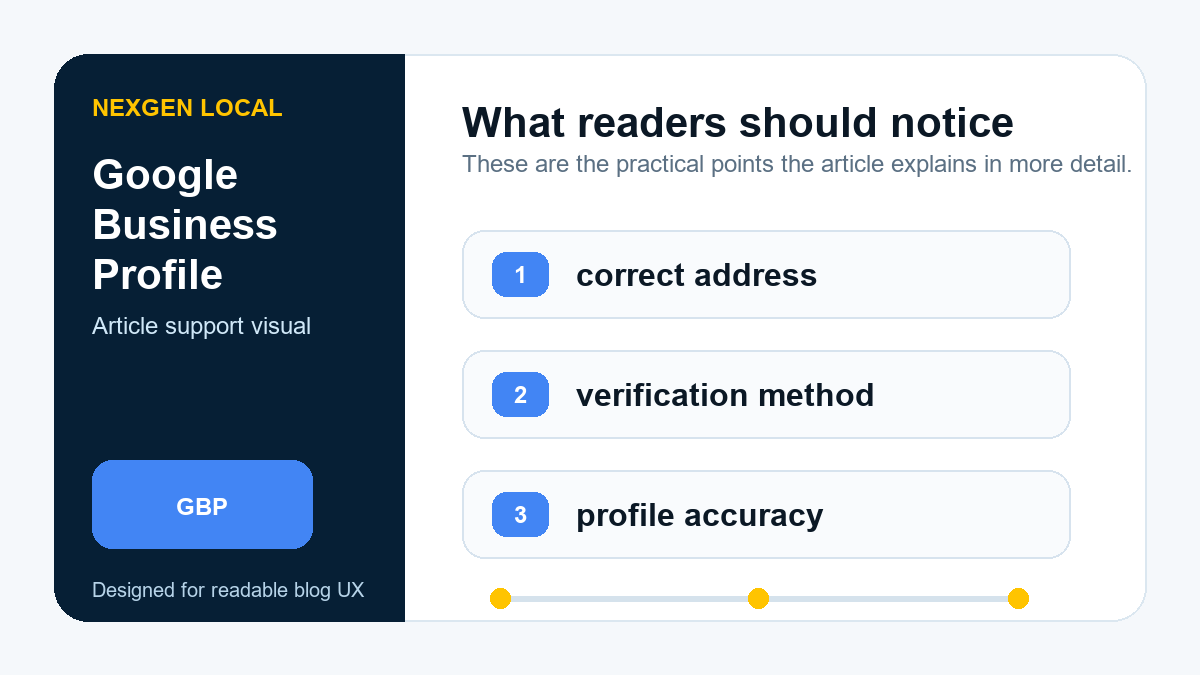
Regularly reviewing your Google Business Profile is crucial for accuracy and building trust with potential customers. This aligns with Google’s E-E-A-T (Experience, Expertise, Authoritativeness, and Trustworthiness) framework, which values authentic business information. If you receive a negative review that violates Google’s policies, you can flag it for removal. The review process can take several days or weeks, and you can check the status of a reported review in your GBP dashboard.
You can also add multiple users to help manage the profile and choose to receive notifications for important events, such as when your business receives a new review or a customer posts a photo. Make sure to monitor these notifications regularly to stay engaged.
Another good idea is to upload photos of your team and satisfied customers (with their permission). This allows potential customers to visualize their experience and can increase their trust and engagement with your brand.
If your business is expanding, you can add more than one location through your dashboard. For each location, make sure you enter a unique phone number and the correct website URL. You can also select a primary business category, which is a critical factor in determining which searches your listing appears for.
Getting a steady stream of positive reviews is one of the most powerful features of your Google Business Profile. Google provides a direct link you can share with customers to make leaving a review easy—include it in your email signature and post-service follow-ups. Remember that offering incentives for reviews is against Google’s policies and can result in penalties.
While Google is by far the largest review site, it is worth monitoring other relevant review sites to get a full picture of your online reputation. A verified and well-managed Google Business Profile page is the best way to increase your chances of obtaining positive reviews and leveraging them to win new business.
Verification Steps
Google has made it very easy to gather positive feedback. Your Google Business Profile dashboard includes a shareable link that customers can click to leave a review. It is a best practice to include this review link in your email signature and other customer communications to encourage more customers to leave feedback.
Photos are a critical, constantly updated part of your profile. Both you and your customers can upload images, creating an authentic, real-time view of your business. In 2026, Google’s algorithm prioritizes high-quality, well-lit photos that genuinely represent what your business is all about. Avoid significant alterations or an overuse of filters. Consistently adding new photos signals that your business is active.
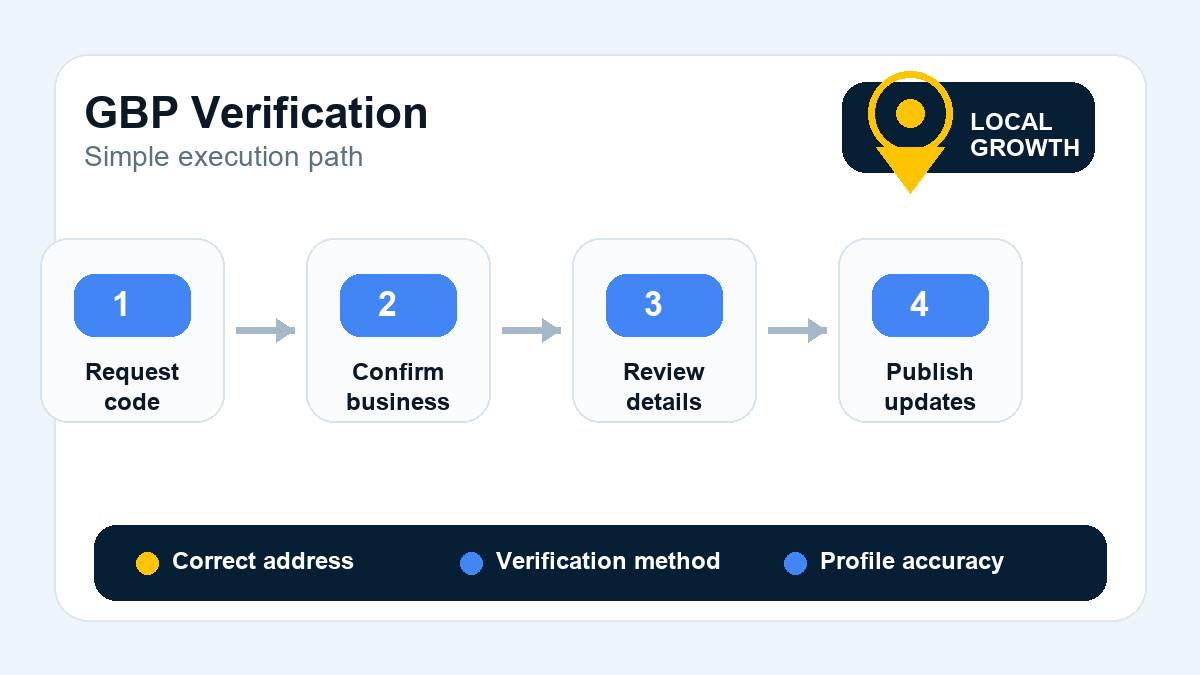
Adding a business address to your Google Business Profile makes it easier for local customers to find you. If you are a Service Area Business (SAB) without a physical storefront, you can hide your address and specify the areas you serve instead. Verification is key; Google will often send a verification postcard to the address you provide to confirm your business operates there. Ensure this is received and the code is entered correctly.
Within your GBP dashboard, the ‘Services’ section allows you to add and describe what you offer. Be specific and use the keywords your customers would use to search for you. This information can help your business appear in more relevant local searches. For many service-based businesses, a well-optimized GBP service list is a critical first step before considering Google’s Local Services Ads (LSAs), which have expanded to most industries through 2025 and offer a ‘Google Guaranteed’ badge.
The most effective way of getting reviews is to provide excellent service and make a clear, polite request for feedback. It is proven that people are more likely to write a review when they feel good about their experience with your business.
After Approval
Once your Google Business Profile is verified and approved, you can optimize it. Add relevant keywords to your description naturally, but don’t overdo it, as keyword stuffing can result in a penalty. Ensure your business name, address, website, and contact information are complete and spelled correctly. Avoid using abbreviations in your name or address.
The process for uploading photos is straightforward. When uploading your own images, rename the files with relevant keywords before you upload (e.g., “chiropractor-downtown-orlando-office.jpg”). You should also add a description. While geo-tagging photos no longer provides a significant direct ranking boost, it remains a good practice for organizing assets.
Lastly, make sure that you include a complete business description. The description should be as helpful and relevant as possible, following Google’s guidelines on how to best represent your business. You should also include a high-quality version of your business logo as your main profile photo to help your listing stand out.
Note that Google has restrictions on what you can include in service descriptions. You cannot include phone numbers, URLs, gibberish, or vulgar language. Keeping your service information accurate and up-to-date helps potential customers choose you over a competitor.
It is also critical to reply to negative reviews. This shows that you care about your customers and want to fix any problems they have. Responding to a negative review shows that you are willing to take responsibility and make things right. You can also flag and report any negative reviews that are unfair, inaccurate, or fake. However, be careful not to get too personal in your public responses.
Action checklist
Need help verifying or fixing a listing?
Nexgen can help clean up the profile and prepare it for local visibility.